Guides / Web design
What does a $25 a month website include?
Our website plan is $25 a month in New Zealand dollars, with no setup fee. That covers a custom-designed website, your domain and hosting, a booking calendar, an admin dashboard where every quote request and booking lands, Google Calendar and iCal sync, and revisions until you are happy with it. It is a subscription, not a one-off build you are left to look after yourself. If you ever leave, you keep your domain and your content for a one-off $200 transfer fee.
- $25 a month, no setup fee: design, build, domain and hosting in one bill
- Includes a booking calendar, an admin dashboard for quotes and bookings, and Google Calendar or iCal sync
- Revisions until you are happy, and you keep your domain and content if you leave
What is included for $25 a month?
The site
- A custom design, not a template
- Hand-coded, so it loads fast
- Revisions until you are happy
Bookings and quotes
- A booking calendar on your own site
- An admin dashboard for every request
- Customer photos attached to quotes
Calendars
- Bookings appear in Google Calendar
- An email for each new booking
- iCal for any other calendar app
Running it
- Your domain included
- Hosting included
- Basic SEO set up
- Revisions until you are happy. We keep refining the site until it is right.
- A booking calendar, so customers can book you straight from your website.
- An admin dashboard where every quote request and booking lands in one place, including any photos the customer attaches. You can update each quote's status as it moves along.
- Google Calendar integration. New bookings appear in your calendar, and you get an email each time.
- Use whichever calendar you like. With iCal support, you can skip the dashboard entirely and stick with the calendar app you already use.
- Domain and hosting included. No separate bills to keep track of.
How does the booking calendar work?
A customer opens your site, picks a day and time you are free, fills in their details and sends it. They do not create an account or get sent to another company's booking page.
On your side, the booking appears in the admin dashboard and in your calendar, and you receive an email. For trades, the form can ask for photos, so you can look at the lawn, the fence or the fuse board before you decide whether to drive out.
What is the admin dashboard for?
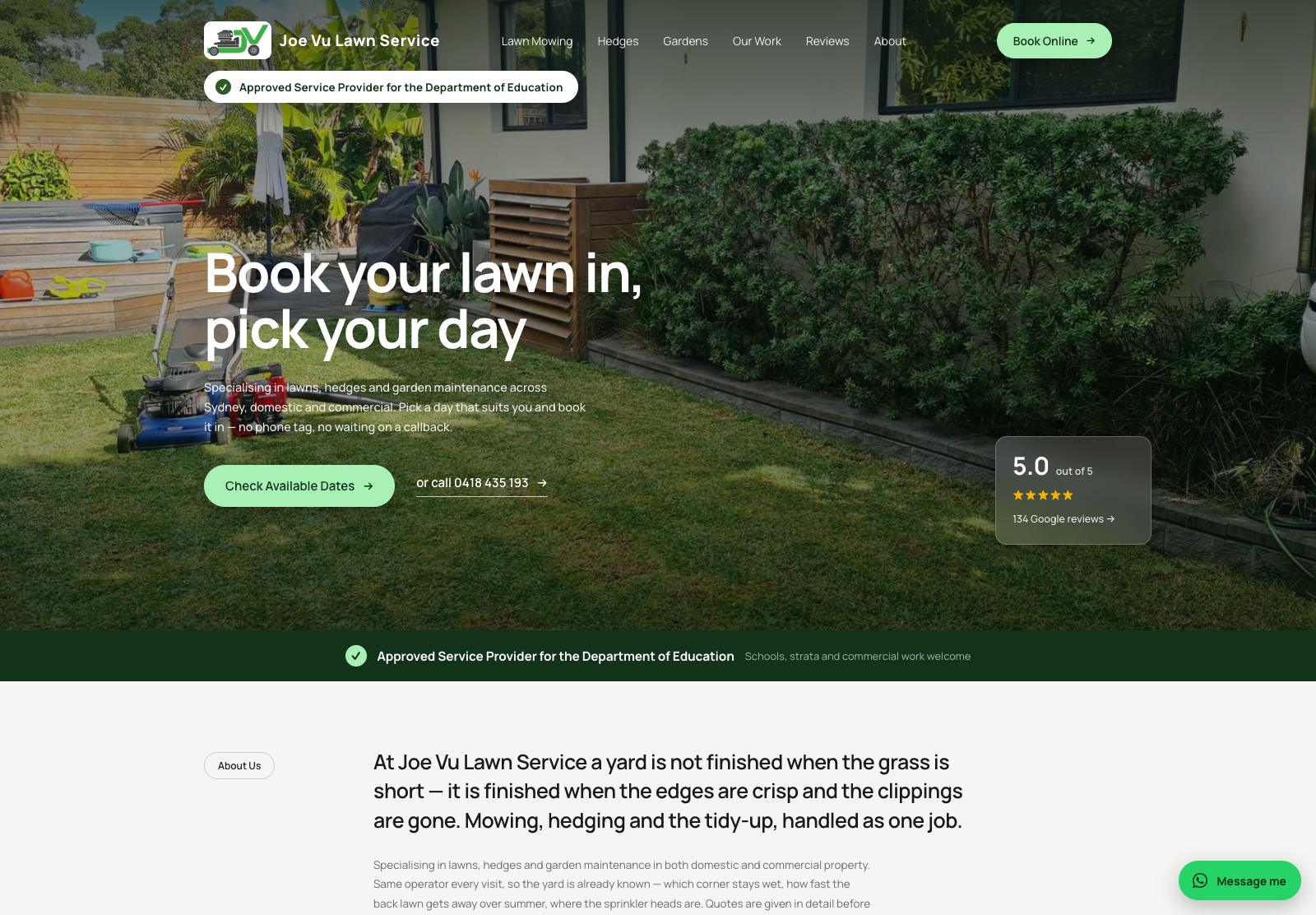
It is a private, password-protected page on your own website. Every quote request and booking is listed there, newest first, with the customer's details and any photos they attached.
Each quote has a status you can change as the job moves along, so at a glance you can see what is new, what you have quoted, and what is done. It replaces the mix of texts, missed calls and scraps of paper that most small businesses start with.
If you would rather not learn another screen, you do not have to. Connect your calendar and work from that.
How does the calendar sync work?
Two ways, and you can use either.
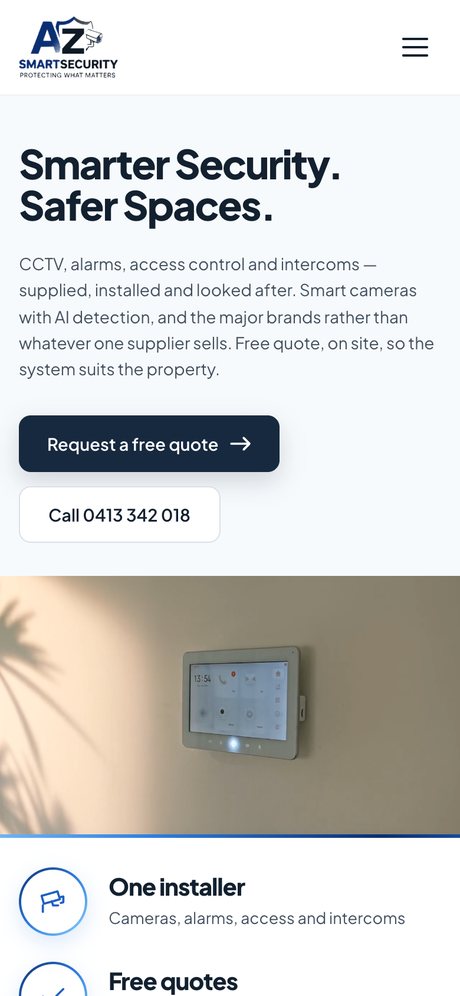
With Google Calendar integration, a new booking is added to your Google Calendar, and you get an email.
With iCal, your site publishes a private calendar link. Paste it into Apple Calendar, Outlook, Google Calendar or almost any other calendar app, and your bookings show up beside everything else in your life. iCal is an old, open standard, which is why nearly every calendar can subscribe to a calendar by its link.
What does the price not include?
The plan is the website and what runs it. Some things are separate, and it is better you know now:
| Extra | How it is charged |
|---|---|
| An online store, ongoing SEO, a blog and other add-ons | Monthly add-ons, listed with prices on the plan page |
| Product photo editing | $5 a photo. See product photo editing |
| The SEO package for chosen searches | Agreed with each client. See how it works |
| Transfer if you leave | A one-off $200 |
All prices are in New Zealand dollars. The plan page always shows the current price of the plan and each add-on.
How does $25 a month compare with other ways to get a site?
New Zealand web companies publish a wide range of prices for small business sites, commonly from around a thousand dollars to several thousand up front, with hosting and a domain on top each year. Our guide to what a website costs in NZ lists published figures and their sources.
A monthly plan spreads the cost and moves the upkeep to us. The trade-off is that you keep paying for as long as the site is live, the same as you would with Wix or Squarespace. The difference from a builder is who does the work: we design it, write it if you want us to, and change it when you ask. Our comparison of a website builder and a web designer goes through that choice fairly.
What happens if you want to leave?
You are never locked in. The plan is month to month. If you leave, you keep your domain and your content, for a one-off $200 transfer fee.
That matters more than it sounds. The domain is your address on the internet, and your Google history is attached to it. A plan that kept the domain when you left would be holding your business hostage. Ask this question of anyone who builds you a website.
How do you get started?
You do not need anything prepared. No logo, no photos, no wording, no domain. We send a simple questionnaire and work from your answers, and most sites are live within about seven days of the first conversation.
- Choose the plan on the plan page, or email us first if you would rather talk it through.
- Fill in the questionnaire. See what you need before getting a website built. The short answer is nothing.
- Look at the design and tell us what to change. We revise until you are happy.
- Go live on your domain, with Google Search Console set up so you can see which searches the site appears in.
Our guide on how long it takes to build a website explains what happens in that week.