Guides / App development
How much does it cost to build an app in New Zealand?
Expect to pay from the low tens of thousands of dollars for a simple app in New Zealand, up to six figures for a product with accounts, payments and its own backend. There is no official price list. The cost is mostly developer hours multiplied by an hourly rate, and many NZ app developers on the directory Clutch list rates between $100 and $199 an hour. A focused version one from a small studio sits at the lower end, and a large agency build sits at the upper end.
- Simple apps start in the low tens of thousands of dollars
- The total is hours multiplied by an hourly rate, so scope is the thing you control
- Budget for store fees, hosting and yearly updates after launch
What do NZ app developers charge?
The best public indication is Clutch's directory of New Zealand app developers, where firms list their own hourly rates and minimum project sizes. Among the firms we looked at in November 2026, listed rates ranged from $25 to $49 an hour up to $200 to $300, and the bands that came up most were $100 to $149 and $150 to $199. Listed minimum project sizes ran from $1,000 at the small end to $25,000, $50,000 and $75,000 or more.
Two cautions. Clutch does not state the currency on that page, and its rates are normally shown in US dollars, so treat the figures as approximate. And a listed rate is what the firm chose to publish, not a quote.
Freelancers can cost less per hour and overseas teams less again. The trade-off is that you manage more of the project yourself, across time zones.
How does an hourly rate turn into a total?
By multiplying it by hours, and hours depend on what the app does. As plain arithmetic, not a quote:
| Size of build | Hours | At $150 an hour |
|---|---|---|
| A small, single-purpose app | 150 to 300 | $22,500 to $45,000 |
| An app with accounts and a backend | 400 to 800 | $60,000 to $120,000 |
| A multi-sided product, such as a marketplace | 1,000 or more | $150,000 or more |
The hours are illustrations to show how the sums work. Real projects vary a great deal, and a developer who has built something similar before will need fewer hours than one learning as they go. The point is that scope, not the hourly rate, is what you control.
What decides the cost of an app?
- How many platforms. iPhone only, Android only, or both. Building both natively is close to building two apps.
- Accounts and a backend. If users log in, save data or see each other's content, there is a server side to build, secure and run.
- Payments. Subscriptions and in-app purchases bring extra build work and store rules.
- Design. Standard screens are quick. Custom animation and a distinctive look take time.
- Device features. Camera processing, real-time audio, Bluetooth, maps and background location are each specialised work.
- Integrations. Connecting to your booking system, accounting software or stock database.
- An admin area. Someone has to manage users, content and orders, and that is a second interface.
- Offline use. Working without a connection and syncing later is harder than it sounds.
- Testing and store submission. Often left out of estimates, and never optional.
When a quote seems high, look for which of these it includes.
What are the costs after launch?
An app is not finished when it is published. Budget for:
Apple's reduced rate on paid apps and in-app purchases under its Small Business Program. Apple
- Store fees. The Apple Developer Program is 99 USD a year. Google Play charges a one-time US$25 registration fee.
- Store commission. If you sell paid apps or in-app purchases through Apple, Apple takes a cut. Under its Small Business Program the rate is 15% for developers who earned up to 1 million USD in the previous year, and for developers new to the App Store.
- Hosting. If the app has a backend, the servers and database cost money each month, and the bill grows with use.
- Third-party services. Maps, messaging, email and payment providers mostly charge by usage.
- Maintenance. Apple and Google release new operating systems every year, and apps need updating to keep working well on them.
- New features. Real users will tell you what version two should be.
Ask any developer what the running costs will be at launch and at ten times the users. A good one will have an estimate.
Is a cross-platform app cheaper?
Usually, when you want both iPhone and Android. Frameworks such as Flutter let you build for both from a single codebase, so most of the work is done once. It is not half the price of two native apps, because design, testing and store submission are still done for each platform, but it is a real saving.
It is not the right tool for everything. Our guide to Flutter vs native apps covers when each makes sense.
Should I get a fixed quote or pay by the hour?
A fixed quote for a written scope is safer for a first app. You know the number before you commit, and the risk of the estimate being wrong sits with the developer. The cost is that changes to the scope are quoted separately, so you need to agree up front what version one is and is not.
Hourly billing suits work where the scope really cannot be known, such as ongoing improvements to a live app. For a new build it puts all the risk on you. If a developer will only work hourly, ask for a capped estimate.
This is how we work on app builds: we agree what version one includes, give a fixed price and timeline before anything is built, and show a working build every week.
How do I keep the cost of an app down?
- Cut version one to one job. Decide the single thing the app must do well and leave the rest for later. This is the biggest saving available.
- Launch on one platform, or use a cross-platform framework.
- Use existing services. Sign-in, payments, notifications and databases can be rented and do not need to be written from scratch.
- Stick to standard design where it does not matter, and spend the design effort on the one screen that does.
- Write the scope down before asking for quotes. Vague briefs get padded quotes, because the developer has to price in the unknowns.
- Skip the admin panel at first if a spreadsheet or the database console will do for the first hundred users.
Do I need an app at all?
Often not, and it is worth asking before spending five figures. If customers need to find you, read about you, book or buy, a website does that for far less, and it shows up on Google. An app earns its cost when people will use it often, or when it needs the phone's camera, sensors or notifications.
We go through that decision in app vs website: which does your business need?
How do I get a quote I can trust?
Send the same short brief to two or three developers: what the app does, who uses it, the handful of screens you can picture, and which platforms you need. Then compare the answers on more than price:
- Is it a fixed price for a listed scope?
- Have they shipped apps you can download today?
- Who owns the source code and the store accounts?
- Is store submission included? Our guide on publishing an app on the App Store shows what that involves.
- What happens with bugs found after launch?
- What will it cost to run each month?
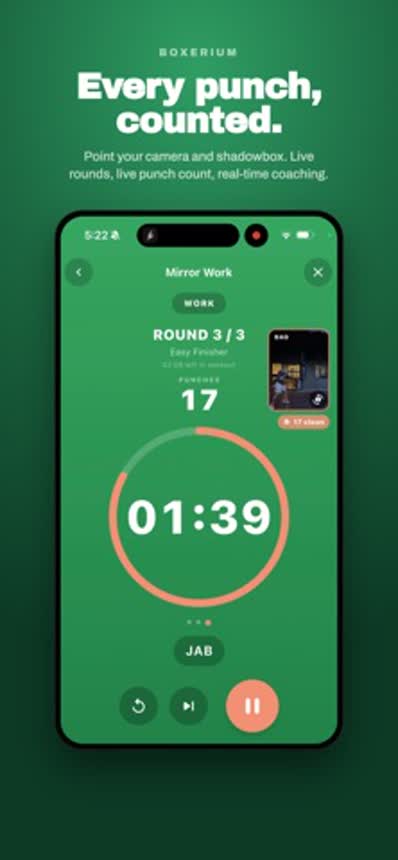
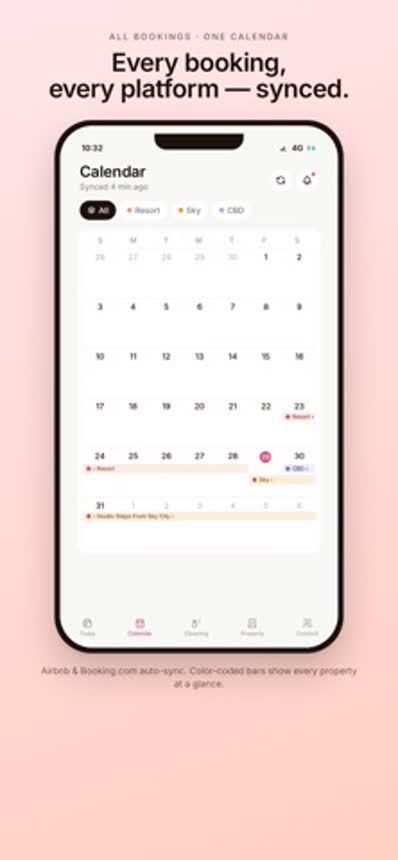
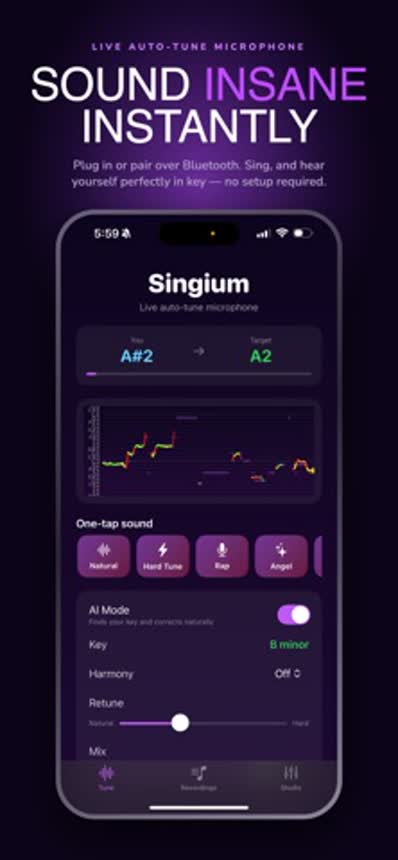
On the second question, we can answer for ourselves. We have shipped our own apps to the App Store, including Boxerium, HostMaster, Hoopium, Singium and Quizerium, and you can see them on our apps page.